How to Create Stunning Headshots with AI
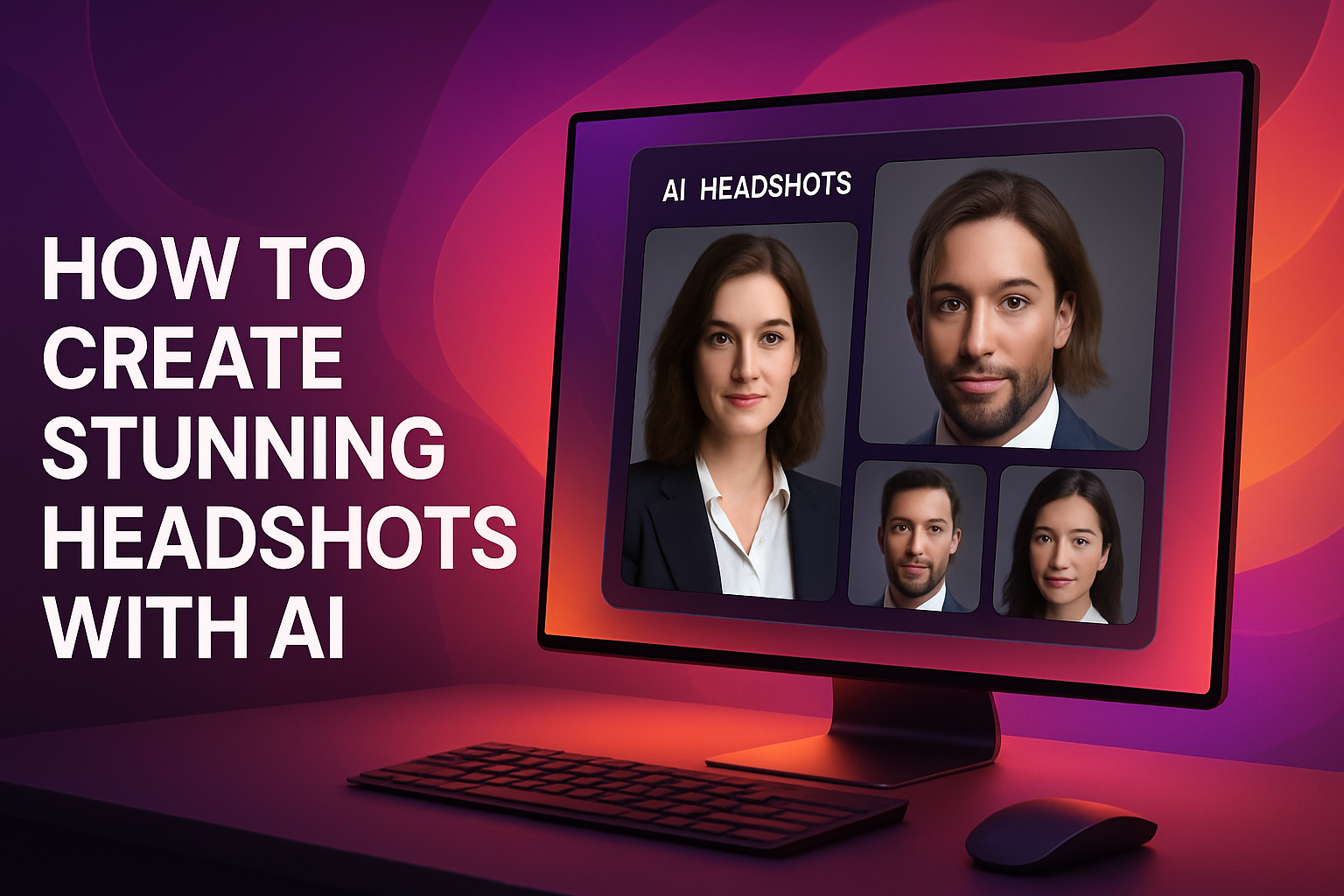
Creating a stunning headshot has never been easier, thanks to advancements in AI technology. Whether you need a professional image for your LinkedIn profile, business website, or social media, AirBrush AI Headshots can help you achieve high-quality results with minimal effort. In this guide, we will walk you through the simple steps to get started with this innovative tool.
Why Use AI for Headshots?
AI technology simplifies the process of creating professional images by automating complex tasks. With tools like AirBrush AI Headshots, you can:
- Enhance your image quality: AI algorithms improve resolution and clarity without compromising details.
- Customize styles: Choose from various styles and settings to match your personal or professional branding.
- Save time: Quickly generate images without the need for extensive editing skills or software.
Getting Started with AirBrush AI Headshots
To create stunning headshots using AirBrush AI Headshots, follow these easy steps:
- Visit the AirBrush AI Headshots website: Start by navigating to AirBrush AI Headshots to access the tool.
- Upload your photo: Select a clear image of yourself. Ideally, use a photo where your face is well-lit and facing the camera.
- Choose your style: The tool offers various styles for headshots. Select the one that best fits your needs, whether it’s for a corporate environment or a casual setting.
- Customize your headshot: Adjust features such as background, lighting, and filters to enhance your photo. You can also tweak facial features slightly to achieve your desired look.
- Review and finalize: Take a moment to review the changes. Ensure that your new headshot reflects your personality and professionalism.
- Download your image: Once satisfied, download your headshot to your device. It’s ready to use across your professional platforms!
Features of AirBrush AI Headshots
AirBrush AI Headshots offers a range of features designed to enhance your image creation experience:
- User-friendly interface: Navigate easily with intuitive controls that make editing a breeze.
- High-resolution outputs: Generate images in high quality suitable for both online and print use.
- Variety of backgrounds: Choose from numerous background options to match your style or branding.
- Real-time preview: See changes as you make them, allowing for quick adjustments without hassle.
Tips for the Best Headshot
To ensure your headshot stands out, consider the following tips:
- Use good lighting: Natural light works best for headshots, so take photos near windows or outdoors.
- Dress appropriately: Wear clothes that reflect your profession and personal style without being too distracting.
- Keep it simple: Choose a plain background that won’t detract attention from your face.
Conclusion
Creating a stunning headshot is now more accessible than ever with AI technology. By using AirBrush AI Headshots, you can produce professional-quality images that enhance your online presence. Follow the steps outlined in this guide to transform your photos and ensure you make a lasting impression in your professional endeavors.